You can earn BonusLink Points using either your physical card or the BonusLink App before making payment at participating merchants.
💳 Physical BonusLink Card
In-store purchases: Present your physical BonusLink Card to the cashier to be scanned or swiped before completing your payment.
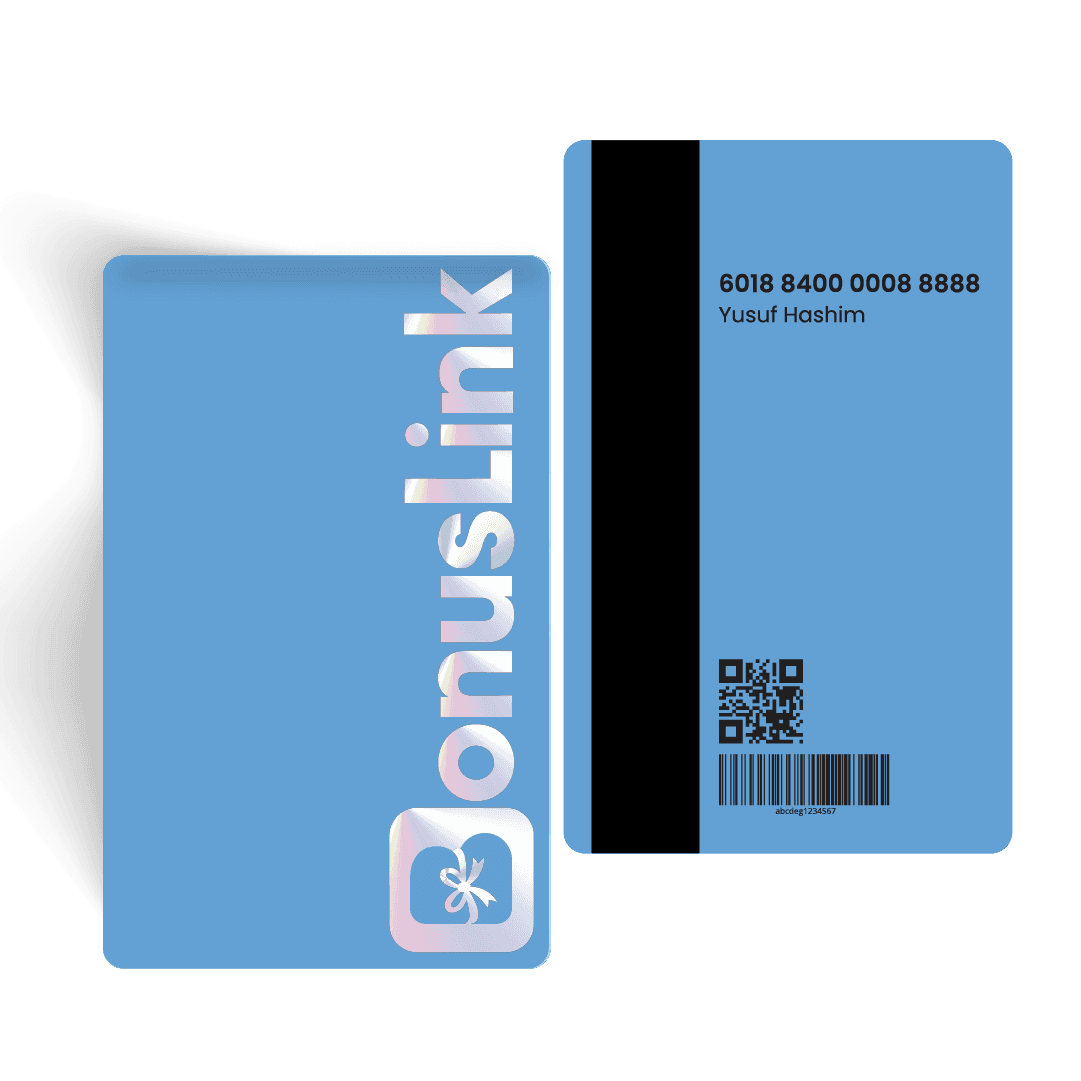
⛽At Shell pump (Outdoor Payment Terminal – OPT):
To collect points at the pump, please follow the on-screen steps at the terminal:
- Enter Refuel Amount
- Tap or insert your payment card
- Check BUDI95 Eligibility with MyKad
- Insert your BonusLink Card to collect points
- Pump Your Fuel
💡 Tips for Successful BonusLink Points Collection.
Insert the card fully: Push your BonusLink Card all the way into the reader until you hear a click and see the blue indicator light.
Insert slowly: Avoid rushing or inserting the card too quickly. Allow the terminal to read your card.
Keep the card in place: Do not remove your card while the terminal is processing your transaction.
Remove gently: Once the terminal has completed reading your card and indicates that you can remove it, pull it out smoothly.
📲 BonusLink App (Virtual Card / QR Code)
- Open your BonusLink App on your smartphone
- Tap Cards on the home screen
- Select Show QR Code
- Present the QR code to the cashier before payment for scanning
📌 Important
Please ensure your physical card or QR code is presented before payment is completed, as points cannot be awarded after the transaction has been finalised.